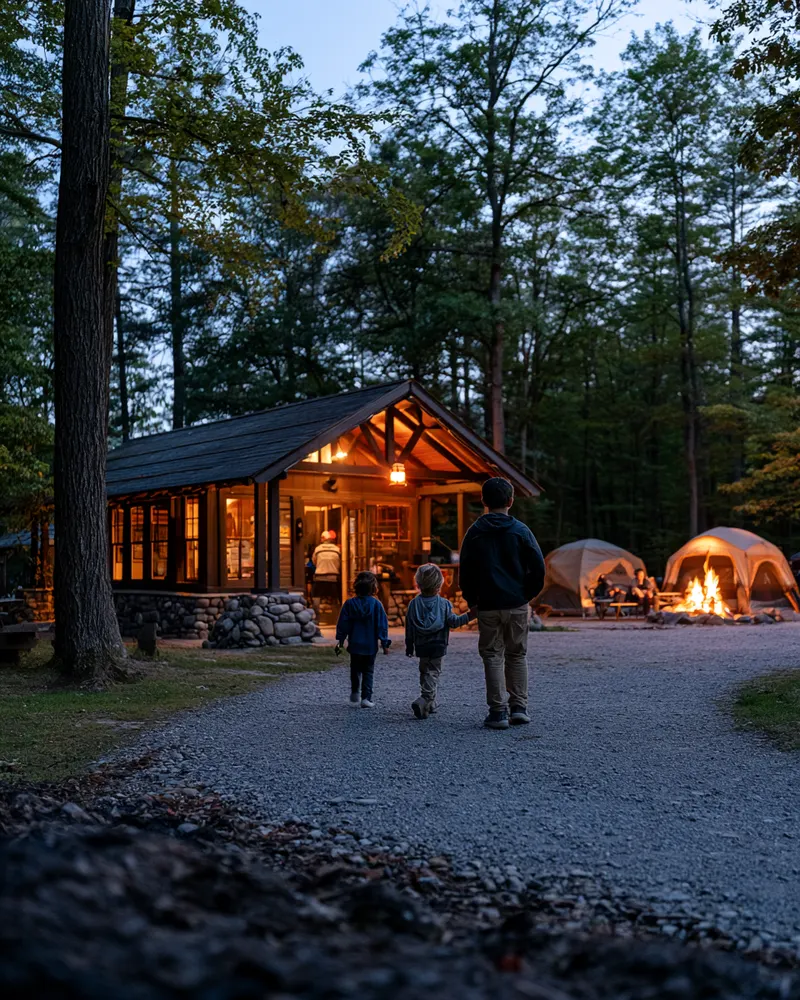
Before the season
Send your waiver link with booking confirmations and pre-arrival emails. Families sign from home; you watch completion climb before opening day.
Free plan available. Paid plans from $15/month. No credit card required.
Whether you run a summer camp, a family campground, or seasonal sites with rentals and activities, arrival day is your busiest moment. Waiver Studio gets agreements signed before families leave home—and its seasonal plans mean you stop paying full price in the off-season.
Camps and campgrounds compress a season's worth of paperwork into a handful of arrival windows. A folding table, a stack of forms, and three hundred families in one afternoon: someone transcribes emergency contacts into the office system by hand, someone's medical note is illegible, and the family that arrives at dusk gets waved through with a promise to "sort it tomorrow."
The guardian math makes it worse. One parent, three kids, waterfront plus rentals plus trail rides—on paper that's a form per child per activity. Digitally it's one session: the guardian signs once, adds each child, completes the acknowledgements that apply, and every camper lands on your roster individually, linked to the signing adult.
Then there's the economics. A five-month season shouldn't pay for twelve months of software. Annual plans price at ten months with the whole allowance pooled, and Pause Mode keeps your records and settings hosted through the winter for $5/month—so the records from July are still one search away in January.
Send your waiver link with booking confirmations and pre-arrival emails. Families sign from home; you watch completion climb before opening day.
Staff pull up the roster and check families in by name. A QR code at the office covers walk-ins and anyone who missed the email.
Search any camper or guest in seconds, attach activity-specific agreements where needed, and export complete records at season's end.
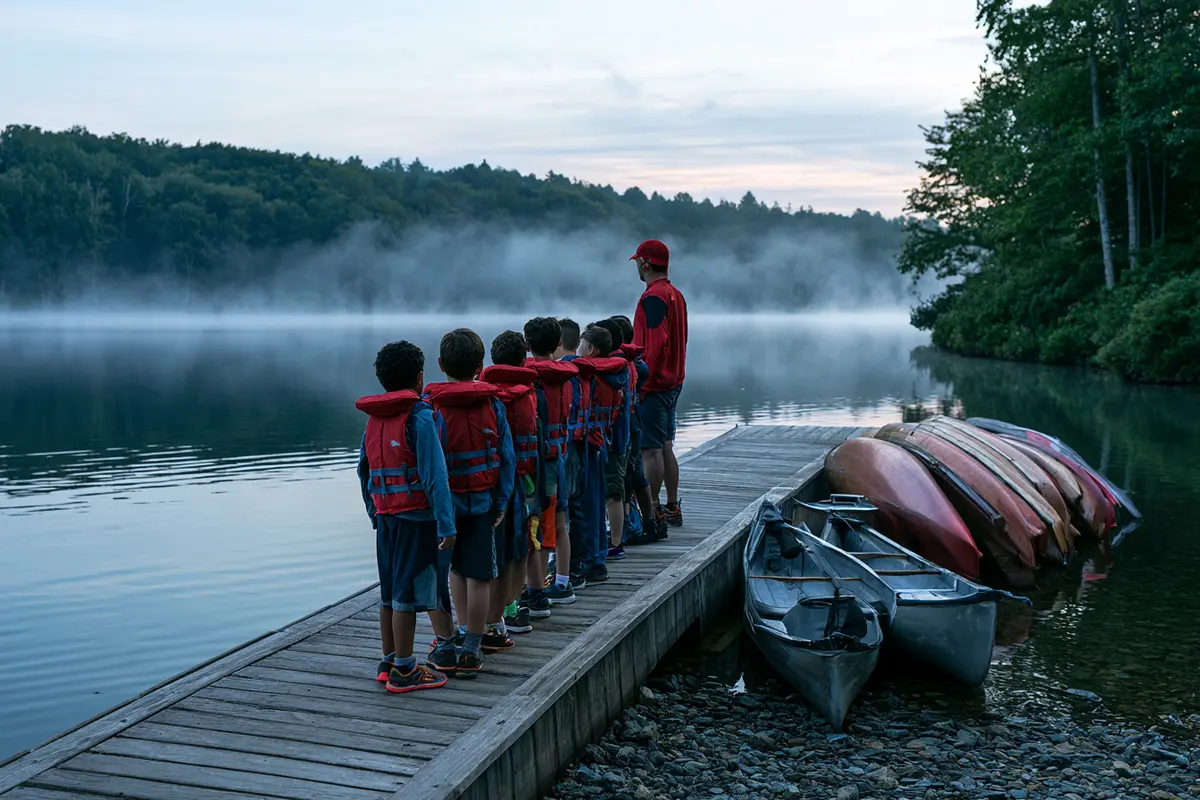
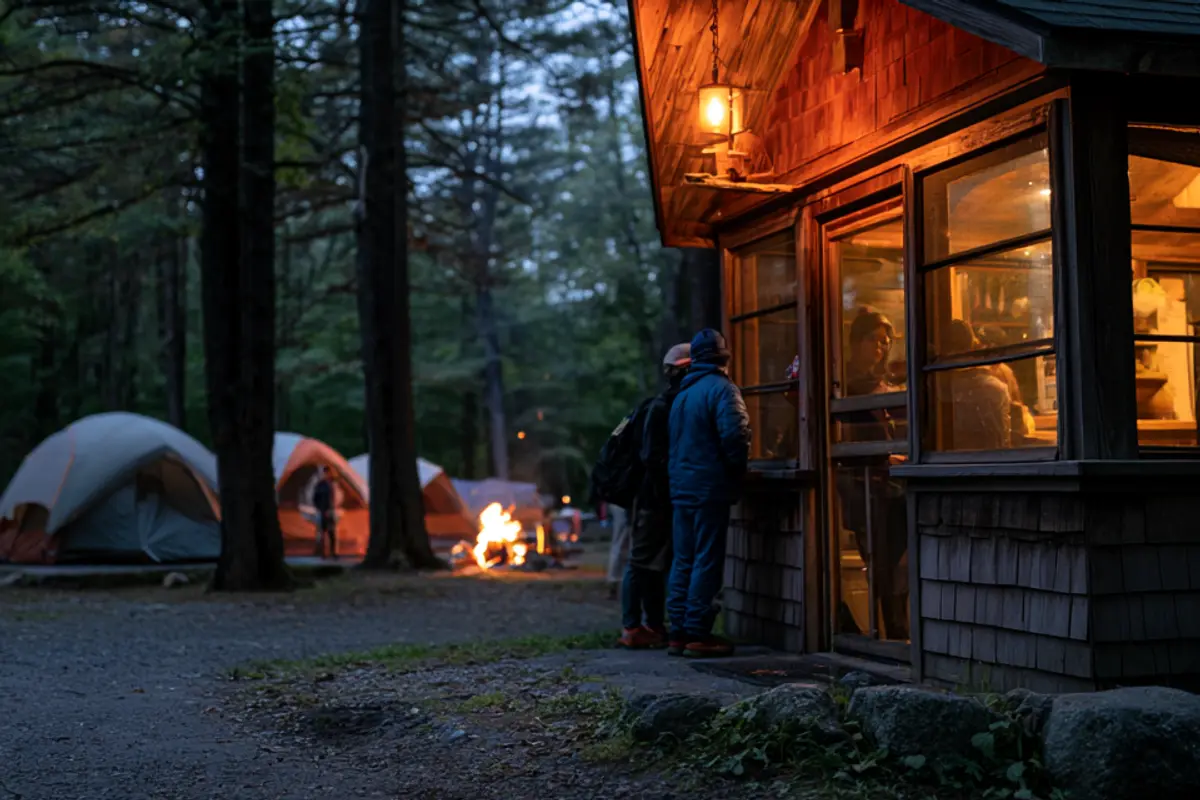

Camps are the deepest guardian use case there is: one parent signs for every child in the family in a single session, and each camper appears individually on your roster. For group bookings—scout troops, church groups, reunions—give the organizer an event link and limited visibility into who in their group still hasn't signed.
Starting points, not legal advice: build your form from the document your counsel has approved. We’ll convert your existing waiver free—send it over.
A well-built waiver for this industry usually covers the sections below. This is structure, not legal language—your counsel writes and approves the words, and we’ll turn the approved document into a polished signing flow at no cost.
Names and dates of birth for each participant; the signing guardian's details.
Who to call, and who may collect a minor if your policy requires it.
Waterfront, watercraft, trails, rentals—initialed per activity you offer.
Quiet hours, fire rules, and what supervision the camp does and doesn't provide.
The health information your policies and programming genuinely require.
Drafted and reviewed by your counsel for your jurisdiction.
Media consent stays its own choice—never bundled into the liability signature.
Agreement to sign and receive records electronically.
Waiver Studio digitizes the document you provide; it does not provide legal advice or determine whether your terms are appropriate for your jurisdiction. Send us your waiver and we’ll set it up for you.
No. Annual plans cost the equivalent of ten months and pool the whole allowance, so you can collect most of your waivers in June–August. Off-season, optional Pause Mode keeps records and settings hosted for $5/month.
Yes—one guardian session covers multiple children, and each child is individually tracked on the roster with a link back to the signing adult.
Yes. Event organizers get a limited view of their own roster—signed, missing, expired—without access to any other records in your account.
A QR code at the office opens the same mobile form. Signing takes about a minute per family, and the roster updates instantly so staff can wave them through.
Yes. Publish a template per activity—waterfront, rentals, trail rides—each with its own link and QR code, and attach the right one to each program or event. Staff see exactly which agreements each guest has completed.
Create an event per session. Each gets its own link for that week's families, its own roster, and its own completion picture—so week three's stragglers never blur into week four's arrivals.
The legal guardian signs in advance from the link in your confirmation email—whoever does the driving. If a camper arrives without a signed form, the QR code at the office reaches the guardian's phone wherever they are.
Yes—bulk export produces your full roster as CSV and every signed record as PDF. The export is self-service, included, and yours to keep permanently.
Also see: Tours & outdoor activities · Events & venues · or browse all industries.
Free plan, no credit card. Or send us the waiver you already use and we’ll set it up at no additional cost.